One organization directory
Departments, people, and avatars are shared system-wide. Approvals, email, meetings, tasks, and account owners all use the same directory.
One system that replaces a PC
An operating system deployed on your own servers or in your data center. OA, CRM, ERP, online Office, file storage, and professional design tools live in one system. PCs and phones share the same accounts, files, and AI assistant—core data stays inside the enterprise.
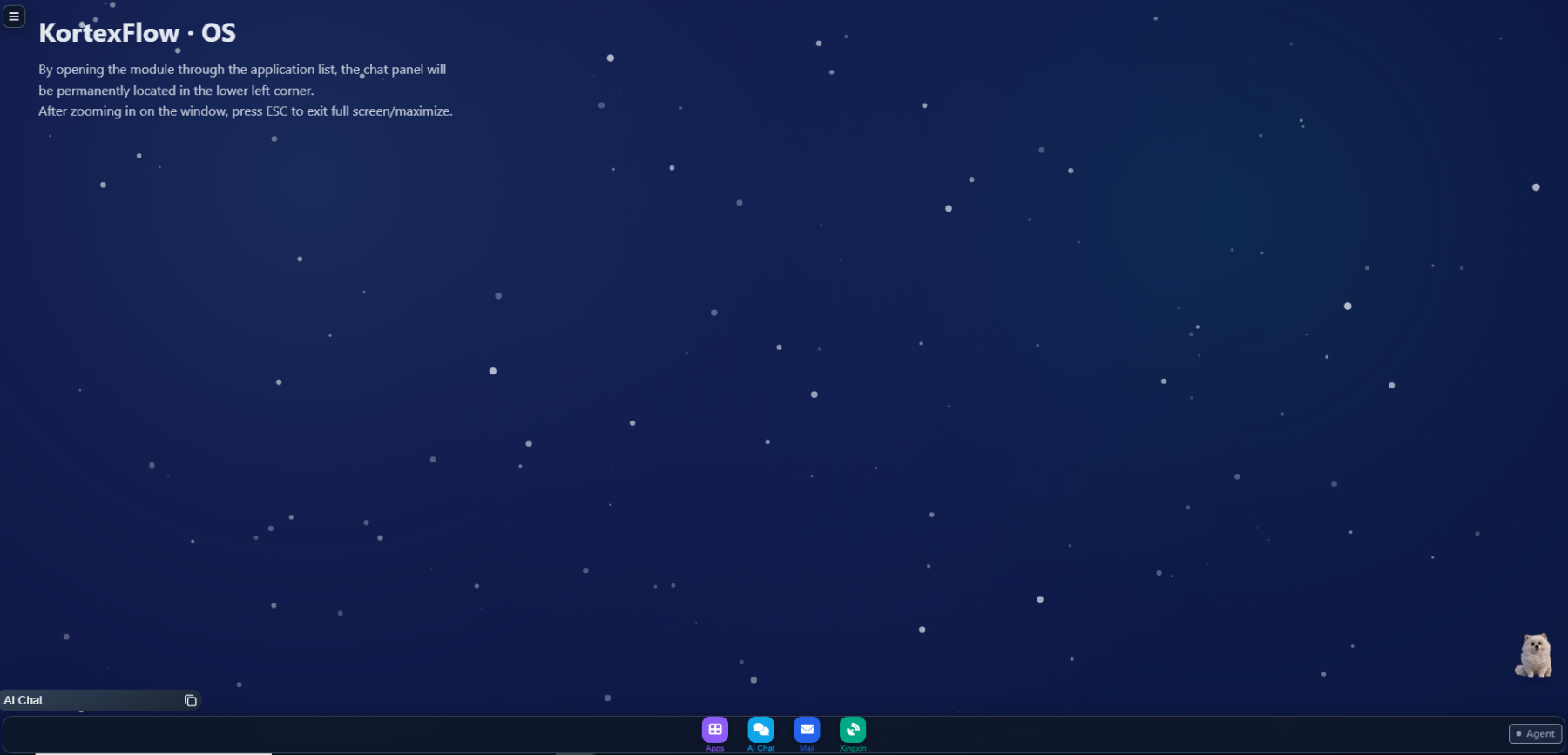
A personal OS manages one machine: when a PC dies or an employee leaves, contracts, chats, and software often vanish with it. KortexFlow OS manages the whole enterprise—people sign into the company desktop, not a private PC.
Departments, people, and avatars are shared system-wide. Approvals, email, meetings, tasks, and account owners all use the same directory.
Chat drafts, email attachments, meeting materials, bids, and quotes are filed in one place. Shared to a group under the same permissions—no extra copy anyone can walk away with.
Draft documents, edit sheets, draw diagrams, write email, check stock, and review customers—all with one assistant, always within your permissions.
When someone leaves or changes roles, contracts, customers, work records, and team-built apps stay in the system and hand off by permission.
Forms, checklists, summary reports—even 3D animation and games—once meant tickets, schedules, and custom builds. Now one sentence creates them. New apps land on the desktop, sharing company people and files; tweak with another sentence.
“Build a customer follow-up log: plan visits, remind on due dates, check off completion, and export the data.”
Describe who uses it, what to record, and what results you need—get a fillable, exportable app with scheduled summaries. For larger business systems, choose KortexFlow Studio.
“Make a 3D clip: a character walks left to right, waves in the middle, workshop background.”
Upload characters and scenes or let the system generate them. Play and export the result; tweak with “walk slower” or “switch to a night workshop.”
“Make a 3D Super Mario–style game: run, jump, stomp enemies, clear levels.”
Play with the keyboard—no game engine or 3D IDE required. Say “jump higher” or “add a life,” then share with colleagues.
No need to buy separate cloud drives, online docs, drawing tools, and image viewers. KortexFlow OS builds them in—every business artifact lands in one place. Ask once to search chats, notes, files, knowledge, and email you can access, with a path to the source.
A company-wide file center for upload, classify, preview, share, and undelete. Open with the right tool in one click; older formats edit in place.
Edit Word, Excel, and PPT online with co-authoring; preview PDF. Others’ edits take effect after the owner confirms; roll back any version.
Write policies, proposals, and minutes with live layout. The assistant continues or rewrites selections; export to Word, PDF, or slides in one click.
Say “draw an order-to-shipment flowchart” and get it. Adjust nodes, links, and colors; export to docs and slides—or open local Visio, Edraw, or draw.io.
Rotate, crop, annotate, caption, and color-correct in one place. Recognize image content—e.g. company name on a card—then archive after human check.
Capture meeting points and todos. Put manuals in the knowledge base and ask in natural language with citations. Includes 30,000+ national regulations with effect level and publish date.
Traditionally you juggle three systems and three logins: sales follows up in CRM while support is blind; retyping a customer into ERP creates duplicates. In KortexFlow OS they are apps on one desktop sharing org, customers, stock, and files. During migration, legacy tools can still remind and query.
Org chart, work and projects, approvals, attendance, company docs, notices, calendar, and email—covered.
Customers, contacts, opportunities, follow-ups, and complaints in one place.
Quotes, orders, shipments, returns, and stock flow on one ledger.
Ops dashboards use your uploaded business sheets: charts and numbers you can trace first, then interpretation—and honest gaps when data is missing. Set daily/weekly reports once; delivery runs on schedule.
Upload sheets and pick the files to analyze.
Example: “Every Friday summarize the sales sheet and send it to the sales manager.”
Beyond OA, CRM, and inventory, reception, bidding, and video monitoring run on the same system—sharing people, files, and the assistant. Install from the app store in one click; try individually.
Omnichannel intake on one agent workspace.
Official accounts, WeChat CS, WeCom, Feishu, WhatsApp, and email all land on the agent desk.
Auto-replies use only your materials and scripts; you decide what stays automated vs. human.
Customer-facing chat comes with smart service; overdue tickets remind automatically.
From reading the RFP to a submission-ready bid.
Outline TOC, clauses, scoring, disqualification risks, and key dates—each finding cites the source page.
Draft chapter by chapter after confirmation; past bids are style only—credentials stay verifiable.
Check evidence, scoring points, deviations, and pricing. No forged seals; no logging in to submit for you.
Connect existing cameras; set what to watch in one sentence.
Restricted intrusion, blocked aisles, empty stations, goods over the line—say it and detect it.
Exceptions enter the alert list with snapshots; video and playback stay on-premises.
On-duty staff decide whether to act; alerts can become briefings and send after confirm. Learn more: Vision recognition.
Design roles once had to master three toolchains. Now they connect via a unified interface (MCP): describe the outcome, the desktop client runs locally, and results archive to the company file center. If software is missing, the client can install it from the enterprise system after confirmation.
“Draw a power supply that steps 5V down to 3.3V.”
Creates the project and schematic automatically, archives to the file center for proposals or bids.
“Make a 3D product enclosure and give me a preview.”
Models and previews automatically for docs and slides; project files stay archived—not scattered on personal PCs.
“Make a bracket part to these length/width/height dimensions.”
Generates and archives the part file. Adjust with another sentence, e.g. “move the mounting holes 5 mm outward.”
Stop installing office, viewers, drawing tools, drives, and business apps on every PC—or reinstalling when you switch machines. Word, sheets, charts, approvals, customers, orders, and stock open in the system. Phone uses the same account, files, and assistant.
Never autofills login passwords; formatting disks, shutting down, or deleting the OS is always refused.
Check-in, posting, and publishing work logs must be done in person—phone cannot proxy. Heavy design runs on PC; phone starts, confirms, and reviews.
Xingxin is the company’s IM and meeting tool—DMs, department groups, and project groups—alongside external CS and the assistant, so you stay out of other chat apps.
Everyone has a personal assistant “Xingshi” that only searches within permissions and never sends messages on its own. Internal meetings hold about thirty people; external guests enter a lobby via link and join after the host admits them—with no access to the rest of the system. Away from the PC, unread can notify WeCom or email.

Photos, customers, quotes, flowcharts, and outbound attachments stay in one system—not scattered across chat, drives, sheets, and CRM files.
Public AI cannot reach core company data and complex workflows; traditional suites are siloed and rarely finish the work.
| Dimension | Web AI | Traditional enterprise software | KortexFlow OS |
|---|---|---|---|
| Data security | Staff often paste internal data externally | Depends on each vendor | Deployed in-house; core office work stays on the intranet |
| How you work | Look things up and advise | Many accounts, constant switching | One desktop—ask and act; PC and phone as one |
| Cost model | Ongoing pay-per-call | Each extra system is another purchase | Core capabilities run in-house; cloud assistants bill by credits when used |
| Execution | Hard to enter company workflows | Won’t proactively push work forward | Gets work done; people gate critical actions |
| Knowledge retention | Chats vanish when they end | Experience leaves with people | Chats, notes, email, files, and knowledge interconnect—assets remain when people move |
| Extensibility | Scattered plugins | Systems stay information-siloed | App store on demand; missing apps generated in one sentence |
Each employee sees only permitted customers, files, stock, and work logs—the assistant filters by permission too. The system may draft, explain, and remind, but people must confirm, with a full audit trail.
The assistant learns your style—tone in letters, how you address colleagues. Continues across devices; memory can be turned off anytime.
If it’s not in the knowledge base, it won’t invent “policy.” Missing sheet data is stated honestly. When the assistant is down, it waits—no fabricated results.
Choose KortexFlow OS—put intelligence on the work your company actually does, and win the productivity edge.